Related Links
Streamline your workflow and collaboration with IDrive® e2 and Anchorpoint integration
Anchorpoint is a version control and digital asset management application for real-time projects, animation, and visual effects. You can upload your Anchorpoint data to IDrive® e2 hot cloud storage and make content edits directly to IDrive® e2 using the same interface. Learn more about Anchorpoint.
Prerequisites:
- An active IDrive® e2 account. Sign up here if you do not have one.
- A bucket in IDrive® e2. See how to create a bucket.
- Valid Access Key ID and Secret Access Key. Learn how to create an access key.
- Download and install Anchorpoint.
Setup Anchorpoint
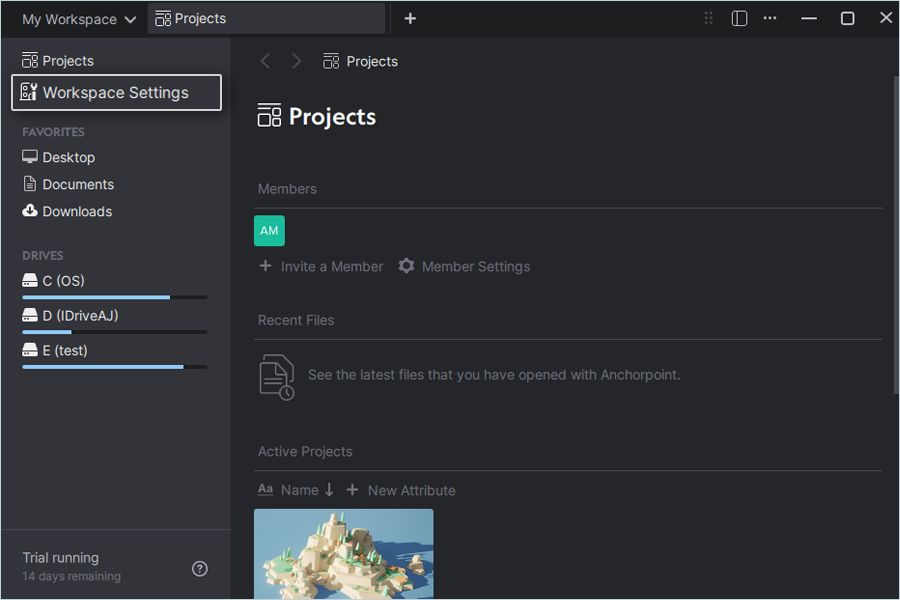
- Go to Projects and select Workspace Settings.
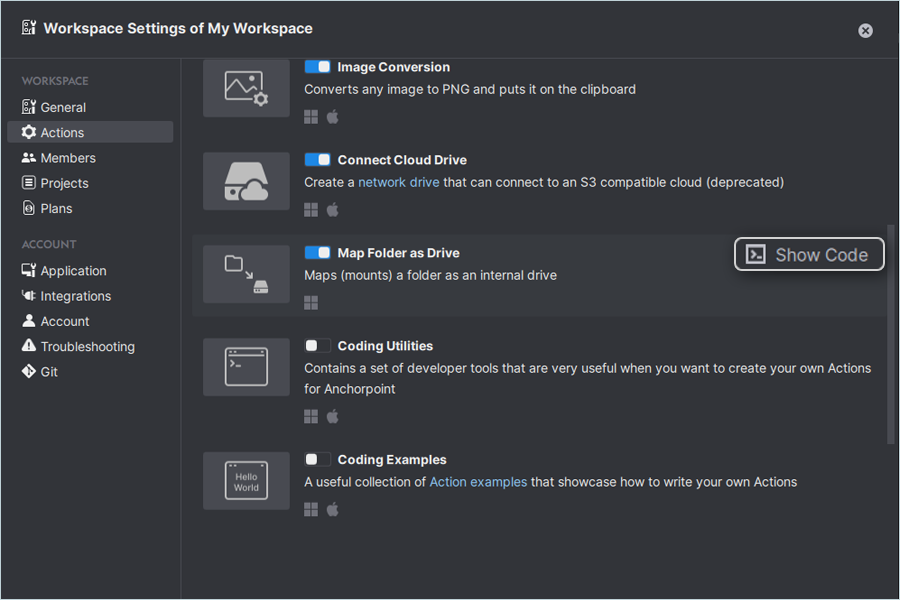
- Click Actions.
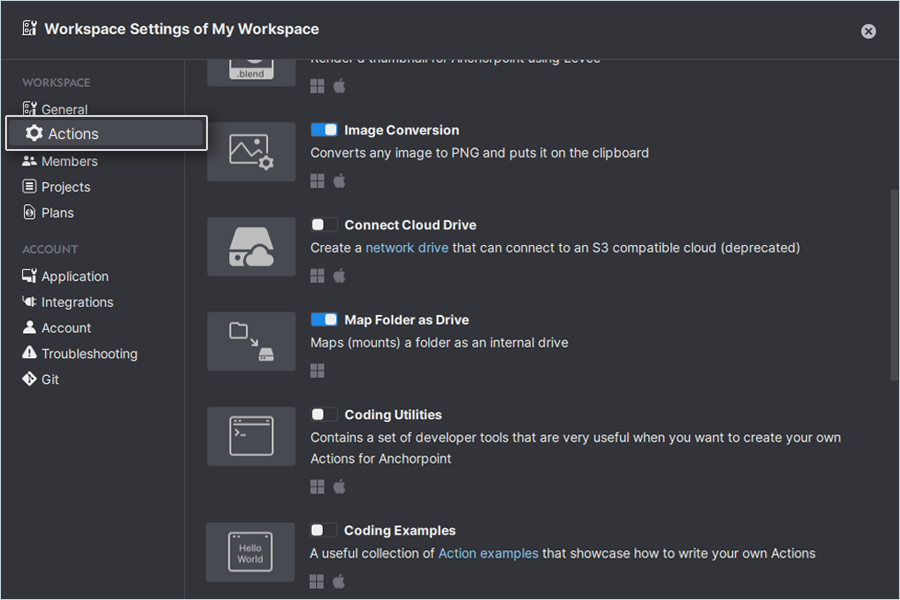
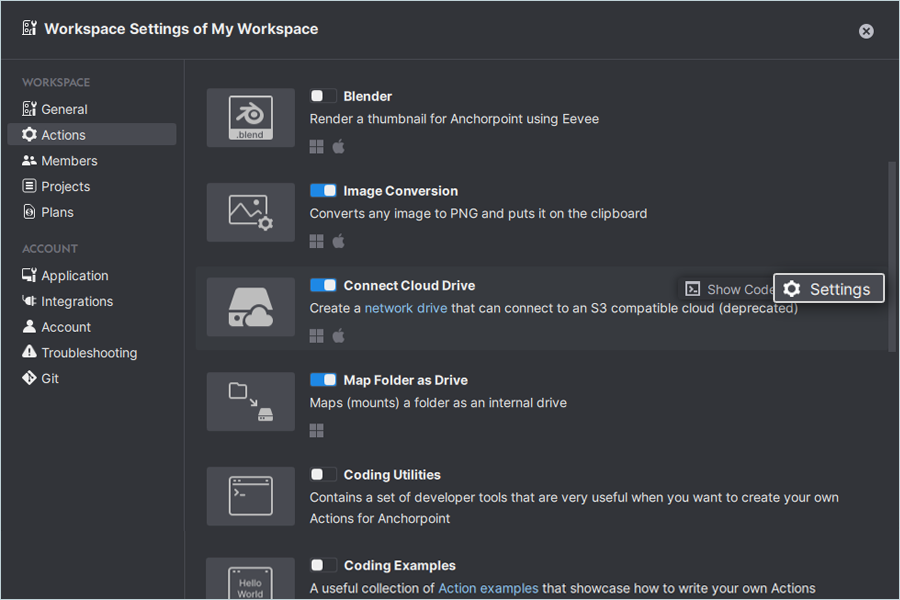
- Enable Connect Cloud Drive.
- Click Settings.
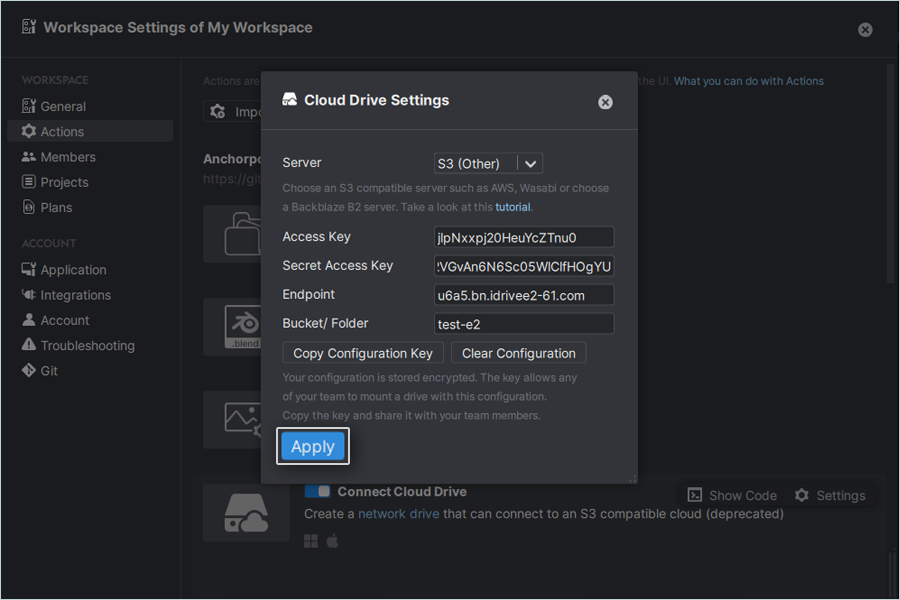
- Select S3 (other) as your server.
- Enter your IDrive® e2 details:
- Enter your IDrive® e2 Access Key ID as the Access Key.
- Enter your IDrive® e2 Access Secret Key as the Secret Key.
- Enter your e2 storage endpoint as Endpoint.
- Enter bucket name (Ex: test-e2).
- Click Apply.
- Click Map Folder as Drive (Show Code) to mount your drive with any letter.
- Click New Drive and select Drive letter.
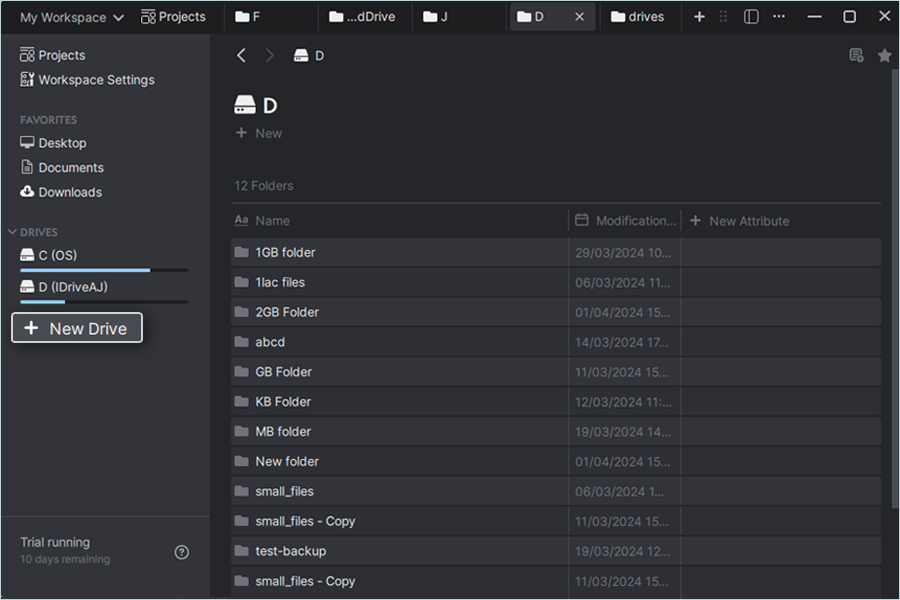
- Click Mount.
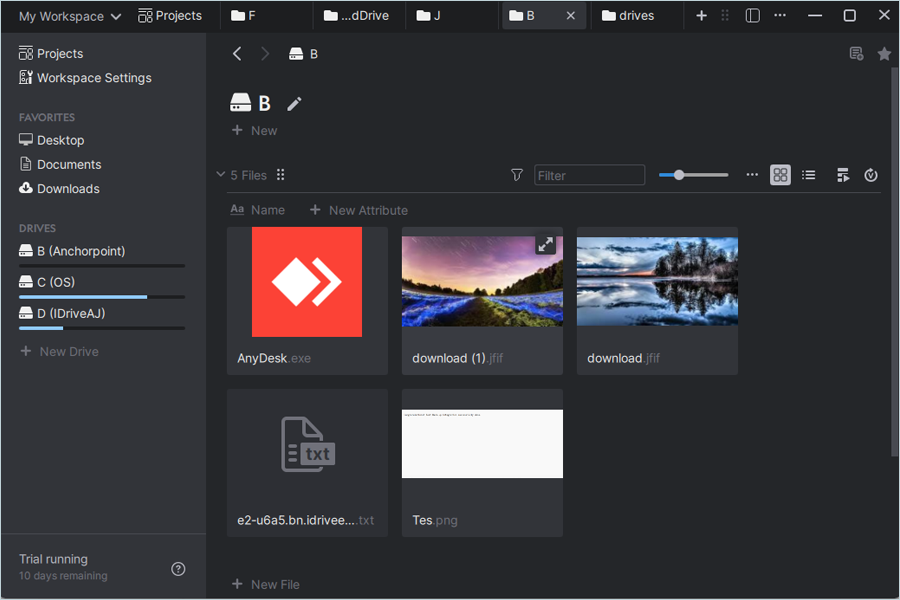
Note: After successful mount, you can access files/objects from the newly added drive, which are uploaded in the e2 storage bucket.